
How to Register on Mojabet in Nigeria: Complete Sign-Up Guide
- Open the sign-up form — on the Nigerian version the phone field already shows the +234 prefix.
- Enter your Nigerian mobile number and select your carrier from the list: MTN, Airtel or Glo.
- Create a password and tick the box confirming you accept the terms of service.
- Confirm the single OTP sent to you by SMS — that one code activates the account.
- Choose a bonus or skip it — Sports, Casino or Aviator, with “No bonus” selected by default.
- Deposit from ₦500 and finish full KYC — government ID, a selfie holding it, proof of address and proof of payment method are requested before your first withdrawal, not at sign-up.
That is the whole flow: a phone number, a carrier, a password and one SMS code. Below, this independent website breaks down each field, the documents the operator asks for later, and the login and password questions new players run into most often.
Who Can Register: Age, Documents and Country Rules
You must be at least 18 and registering from Nigeria with a Nigerian +234 number to open an account. Mojabet Casino is run by Moja Group Inc., a Mauritius company holding company licence number C11802348 — an offshore licence, not a Nigerian NLRC one.
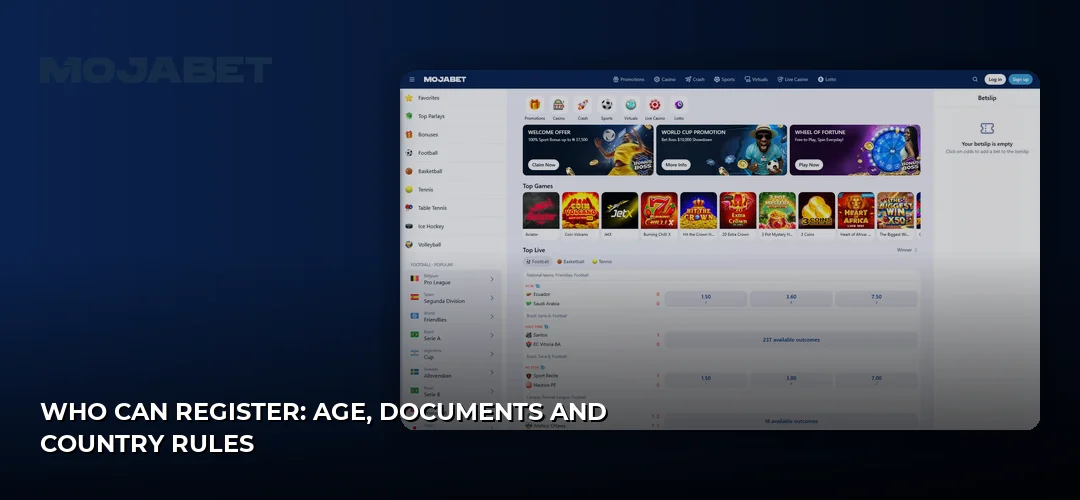
The registration form itself is short. What it actually asks for:
- Phone number with the +234 country code
- Mobile operator — MTN, Airtel or Glo (there is no Orange option on the Nigerian site, since Orange does not operate here)
- A password of your choice
- The terms of service checkbox — the rules behind it are summarised here: Mojabet terms and conditions
- An optional bonus choice: Sports, Casino, Aviator or No bonus
- Currency, which is fixed — Nigerian Naira (NGN) only
No email, no address and no document upload are required to create the account. Country limits are strict, though: according to the operator, players who register outside Nigeria or use a VPN risk having the account blocked and winnings frozen. E-wallets and crypto are not supported at all, so the account works purely on Naira rails.
Step 4: Confirm the OTP and Finish Sign-Up
Registration completes when you enter the one SMS code sent to the number you typed. There is only one OTP in the process — no email link, no second confirmation. If the SMS does not arrive, check that the number matches the carrier you selected, then request the code again.
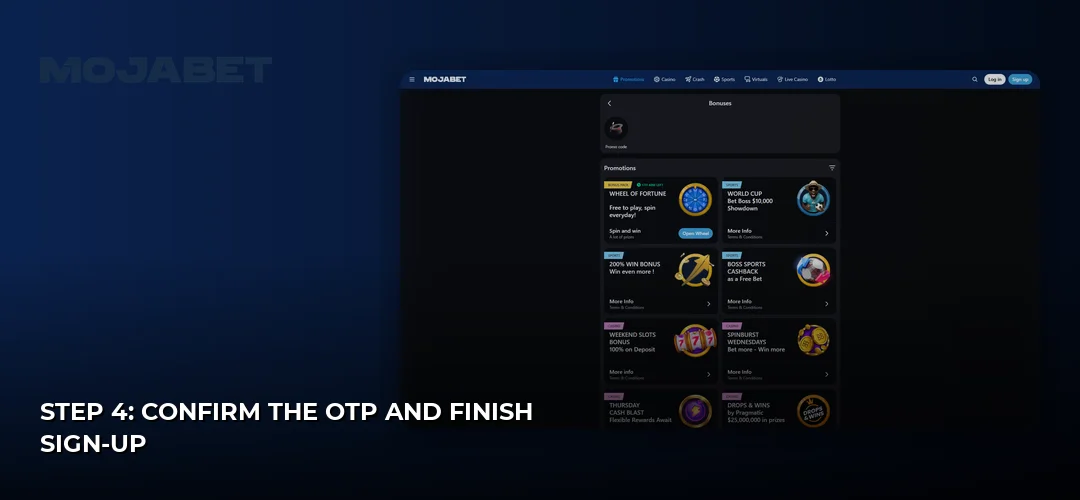
Deposits then run on local rails: OPay, MTN Mobile Money, Airtel Money and bank transfer, with a minimum of ₦500 and a maximum of ₦1,000,000+. Pick the bonus before you fund the account, because “No bonus” stays active otherwise and you cannot stack offers.
Registering and Logging In From Your Phone Browser
There is no native Mojabet app and no APK to download — the site runs in the browser on Android and iPhone, and you can add it to your home screen so it opens like an app icon. Everything about that setup lives on one page: Mojabet mobile app. The mobile form is the same one as on desktop, so a mobile sign-up and a desktop sign-up create the same account, reachable from either device with the same phone number and password.
Documents for Verification (KYC)
Full KYC is required before your first withdrawal, and the operator asks for four things: a government-issued Passport, National ID Card or Driver’s Licence; a selfie holding that ID; a bank statement or utility bill less than 90 days old as proof of residence; and a photo of the bank card used to deposit or an e-wallet screenshot as proof of payment method.
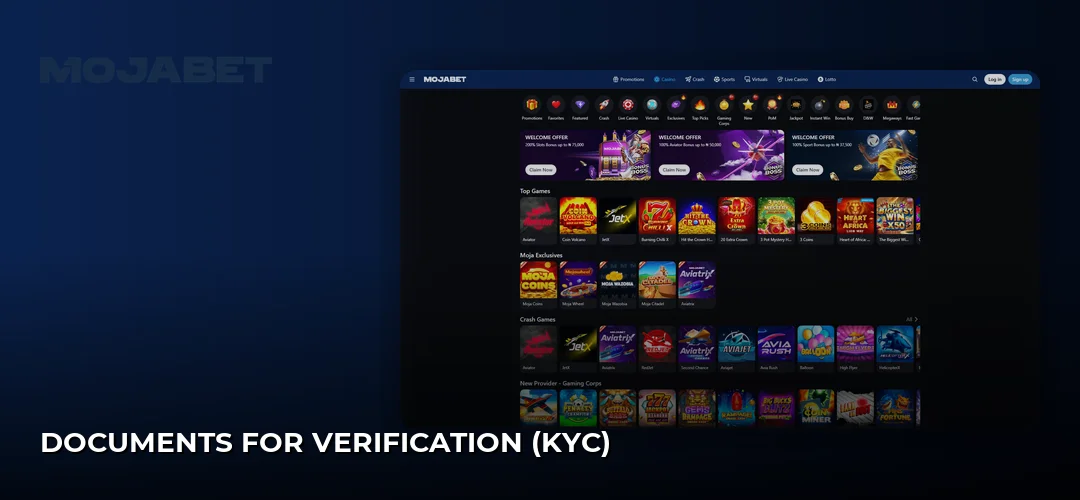
In some cases the operator also requests a photo taken with the Mojabet Live Chat window visible in the background. Video verification is possible if your documents are not in the Latin alphabet or if details on them do not match your account data. Names must match the payment method as well — the same-method rule applies to payouts. If a document is rejected, the usual causes are blur, cropped edges, an expired ID or a utility bill older than 90 days; re-upload a clean, full-page photo and raise it with 24/7 live chat rather than opening a second account.
First Login, Password and Account Setup
Logging in uses exactly what you created at sign-up: your phone number and password. There is no username, no email login and no separate customer ID. Once inside, set your deposit method, choose your bonus if you skipped it, and check your profile details against your ID before uploading documents.
Sign-Up and Login Are Two Different Buttons
New players use the sign-up form (phone, carrier, password, terms, OTP). Returning players use the login form (phone plus password only, no new OTP). Confusing the two is the most common reason people see an “account already exists” message — that means you already registered with that number and should log in instead.
How to Set and Reset Your Password
Your password is created by you during registration, so nothing is emailed to you. If you lose it, use the password recovery option on the login screen with the registered +234 number, or contact support to get the reset started. Keep the phone number active, because recovery runs through SMS to that same line.
Registering or Logging In From Zambia and Other Countries
The Nigerian platform is built for Nigeria only: Naira-only balances, +234 numbers and MTN, Airtel or Glo carriers. Searches for a Zambian Mojabet login land on the wrong version — this account will not accept a foreign number, and masking your location with a VPN puts the balance at risk of being frozen. Aviator sign-up and login work the same way here as any other section: one account, one phone number, one password.
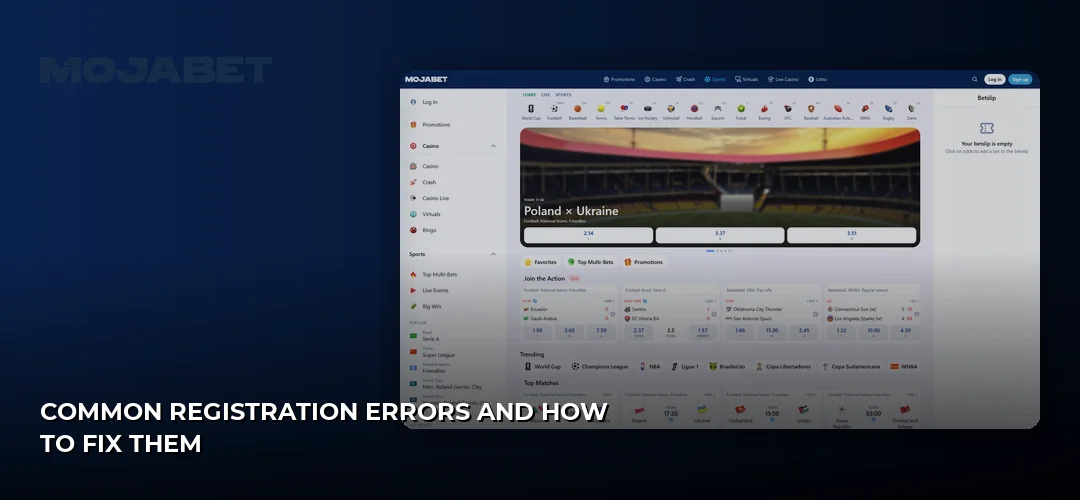
Common Registration Errors and How to Fix Them
Most sign-up failures come down to four things, and each has a direct fix:
| What you see | What it means | Fix |
|---|---|---|
| Number already registered | An account exists on that phone number | Use the login form; duplicate accounts are not allowed |
| OTP never arrives | Wrong carrier selected or network delay | Re-check MTN/Airtel/Glo, then resend the code |
| Bonus missing after deposit | “No bonus” was left as the default | Select the offer before depositing; contact live chat if it was chosen |
| Account blocked after sign-up | Registration from outside Nigeria or via VPN | Turn off the VPN and contact support with your details |
Support runs 24/7 through live chat, which opens with a chatbot before passing you to an agent.
Security Practices Worth Setting Up Immediately
Because login is only a phone number and a password, that password is the whole lock on your balance. Use at least twelve characters mixing cases, digits and symbols, never reuse a password from another site, and never share it — the operator’s agents will not ask for it. Check the domain is mojabet.ng before typing credentials, since fake sign-up pages copying the layout are the standard trick used against players. The operator does not state that two-factor authentication beyond the SMS OTP is available.
Claim the Welcome Offer After Your First Deposit
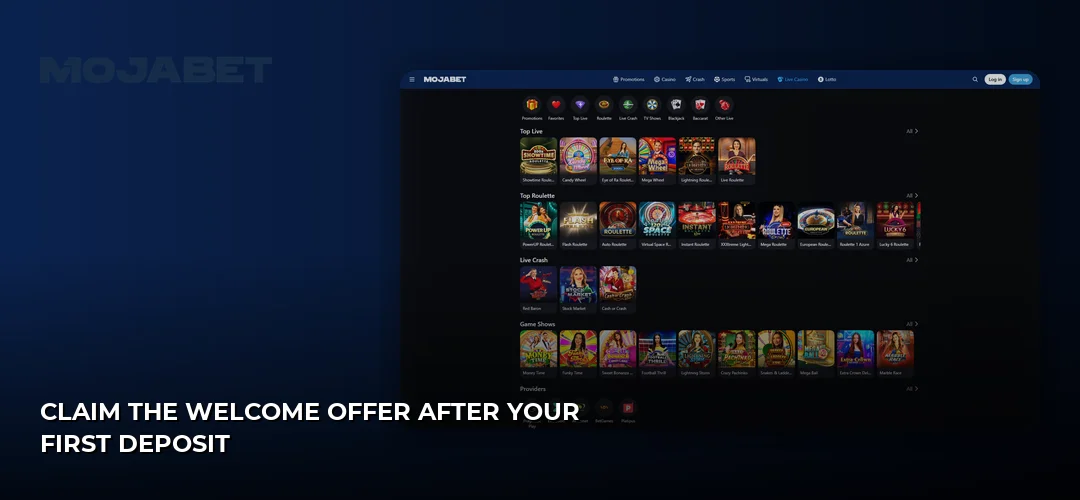
The headline offer is a 200% slots bonus up to ₦75,000, with a minimum deposit of ₦500. Bonus selection is optional at sign-up — “No bonus” is selected by default; you pick one welcome offer or none, no stacking. Full KYC is required before withdrawals. If you deposit and then try to withdraw an amount less than 3x the amount deposited, Mojabet applies a 15% withdrawal fee, even if no bonus was taken.
Frequently Asked Questions about Mojabet
How do I sign up and log in to Aviator?
Aviator has no separate account. You register once with your phone number and password, then open the game from your logged-in account. Players who want a crash-focused offer can pick the 100% Aviator bonus up to ₦50,000 instead of the slots or sports one.
Is registering and logging in free?
Yes — creating the account, logging in and password recovery cost nothing. Mojabet itself shows no platform fees on transactions either, although your bank or mobile money wallet may charge its own fee on a deposit or payout.
Is there a sign-up bonus, and which one should I pick?
Three welcome options exist and you may take only one: the slots offer, a 100% sports bonus up to ₦37,500, or the Aviator offer. Sports bettors gain nothing from a slots bonus, so match the choice to what you actually plan to play.
Can I download a Mojabet app to log in?
No app exists to download; login happens in the mobile browser. If you get stuck signing in, the operator answers on WhatsApp at +234 707 912 4387 alongside 24/7 live chat, so you do not need any installed software for support.
How do I reset my login password?
Start recovery from the login page using your registered number. If the SMS route fails — for example the SIM is lost — write to mojabet.ng@mojagroup.com or call +234 201 888 1011 with your account details so an agent can verify you manually.
Can I withdraw straight after signing up?
Not before KYC clears. Once approved, the minimum withdrawal is ₦1,000 and the maximum is about ₦5,000,000 per request. According to the operator, payouts run from same day up to 48 hours, with smaller cash-outs going through faster than large reviewed ones.
Is there an Android APK for logging in?
There is no APK and no Play Store listing. The browser version handles everything, including live tables from Evolution Gaming, Ezugi, Vivo Gaming, Pragmatic Play Live and TVBet, which stream directly on Android and iPhone screens.
You now know every field on the form, every document KYC will ask for, and how login and password recovery work — the only step left is opening the sign-up page with your +234 number ready.